I'm a paragraph. Click here to add your own text and edit me. I’m a great place for you to tell a story and let your users know a little more about you.

Ditch the GEEK
&
Hire a PRO
727-547-0539
CALL NOW

AV Connection
We install consumer electronics.
Why try to communicate with a GEEK when you can just hire a PRO?
We get it done right the first time.
Games
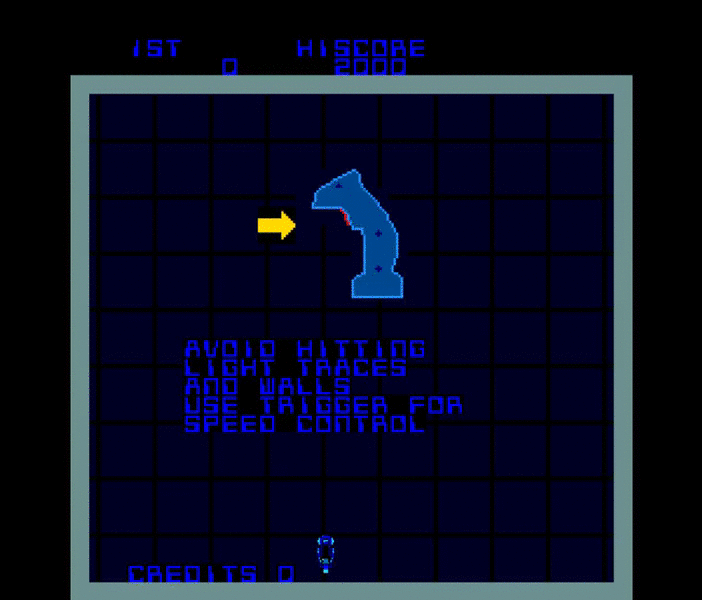
Click On The Link Below To Play Scroll down under game to see button controls. You can full screen the game (upper right) & you can turn the sound on and off, but you should wait for the game to fully load after pressing play, then turn sound on or off and refresh your screen for it to take effect.

Click On The Link Below To Play Scroll down under game to see button controls. You can full screen the game (upper right) & you can turn the sound on and off, but you should wait for the game to fully load after pressing play, then turn sound on or off and refresh your screen for it to take effect.

Click On The Link Below To Play Scroll down under game to see button controls. You can full screen the game (upper right) & you can turn the sound on and off, but you should wait for the game to fully load after pressing play, then turn sound on or off and refresh your screen for it to take effect.

Click On The Link Below To Play Scroll down under game to see button controls. You can full screen the game (upper right) & you can turn the sound on and off, but you should wait for the game to fully load after pressing play, then turn sound on or off and refresh your screen for it to take effect.

Download & Install Motionjoy. Follow the simple instructions (Date Change). I would suggest using a different Bluetooth USB Dongle for this, because it will be reassigned to the PS3 Controller only. Once you have it working. Download the Better DS3 Software, Create a New Profile, & Map out the buttons/keys, then save, & apply. Leave it minimized when using the controller.
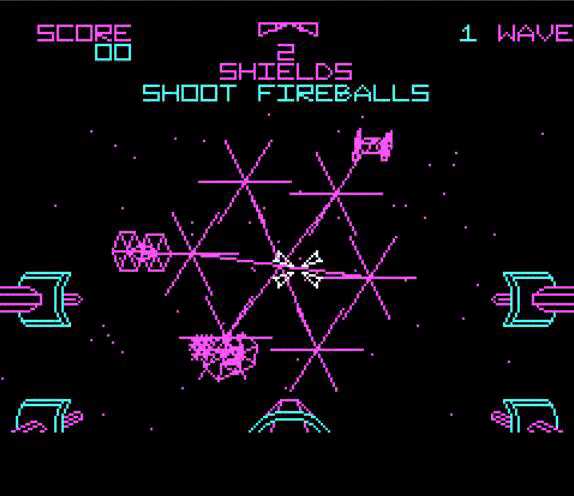
Click On The Link Below To Play Scroll down under game to see button controls. You can full screen the game (upper right) & you can turn the sound on and off, but you should wait for the game to fully load after pressing play, then turn sound on or off and refresh your screen for it to take effect.

Click On The Link Below To Play Scroll down under game to see button controls. You can full screen the game (upper right) & you can turn the sound on and off, but you should wait for the game to fully load after pressing play, then turn sound on or off and refresh your screen for it to take effect.
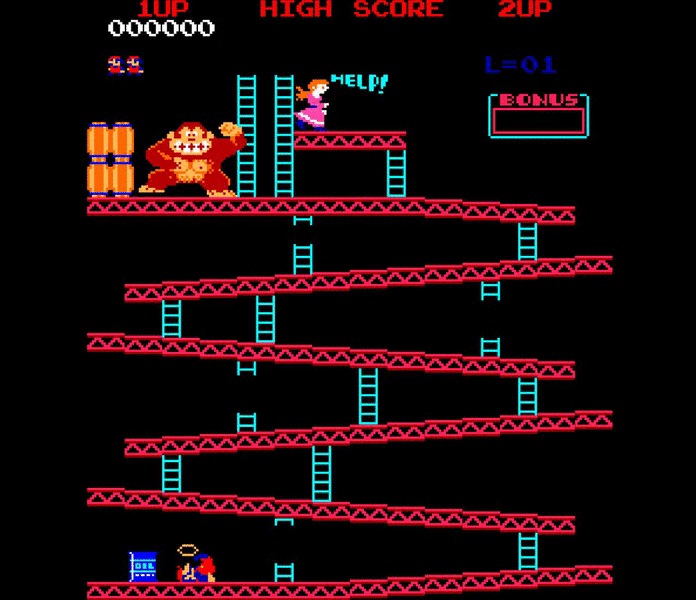
Click On The Link Below To Play This game is Flash Player only.
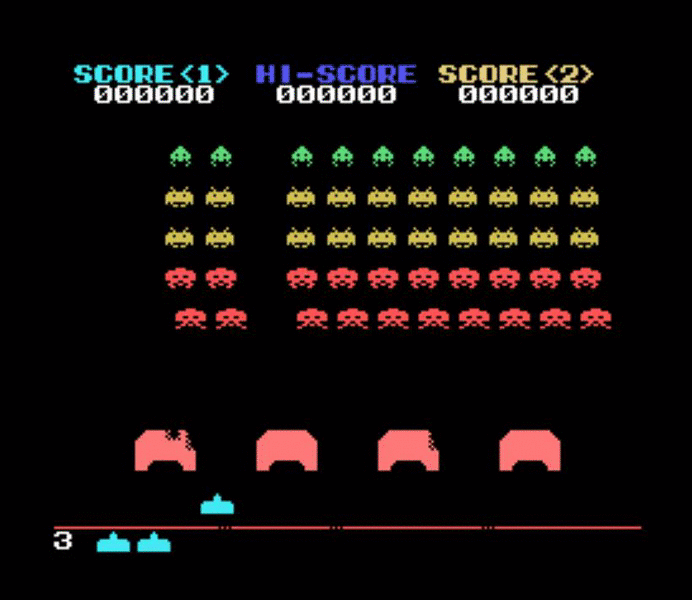
Click On The Link Below To Play Scroll down under game to see button controls. You can full screen the game (upper right) & you can turn the sound on and off, but you should wait for the game to fully load after pressing play, then turn sound on or off and refresh your screen for it to take effect.